 Google
Gemini on Apple CarPlay
In brief
Google is bringing the Gemini app with Gemini Live to Apple CarPlay, enabling hands-free natural conversations, calendar management, and email summaries while driving.
How it works
Update the Gemini app on your iPhone, enable microphone permissions, and use Gemini Live at least once. Connect your phone to your car and tap the Gemini icon on the CarPlay display to start a voice conversation or continue a recent chat.
iOS users who want to use voice AI for productivity and brainstorming during their commute.
Availability
Sources
2 merged into this cardMore from Google
 GoogleAvailable
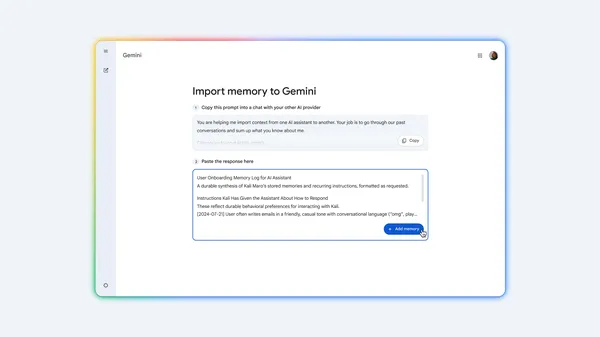
Gemini chat history and memory import
Google added tools to import chat history, context, and preferences from other AI assistants into Gemini. Users can bring over past conversations and tailored instructions without starting from scratch.
 GoogleAvailable
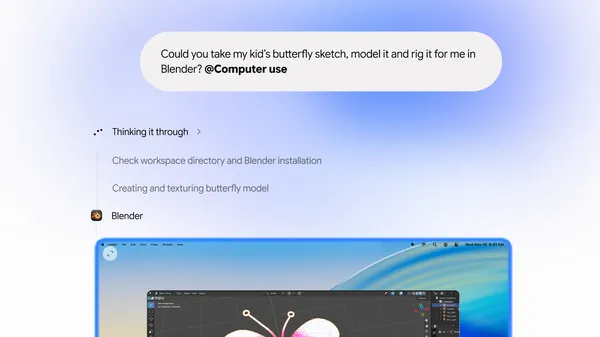
Computer use in Gemini app for Mac
Google added computer use to the Gemini app for Mac, letting Gemini automate multi-step tasks across local files, desktop apps, and the web in an isolated background window.