 Google
Gemini App for Lower-Memory Android Devices
In brief
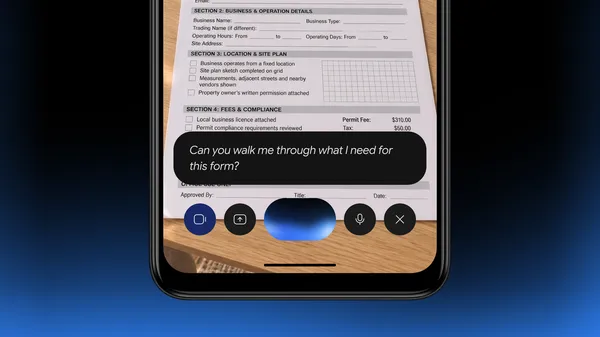
Google is bringing the Gemini app to eligible Android Go edition devices with 2GB of RAM or more, replacing the basic voice assistant 1 2.
Who can use it
Available on Android Go edition devices with 2GB of RAM or more where Gemini is supported 2. You must be signed in to an eligible personal, work, or school Google Account 2.
Does this affect you?
- DevelopersThe launch targets everyday consumers on low-memory hardware rather than providing developer APIs or tooling directly 1.
- Product managersUseful to understand how Google optimizes complex AI experiences for resource-constrained hardware environments globally 1.
- FoundersIt is a consumer-facing mobile rollout by Google rather than a business infrastructure or startup product launch 1.
- Everyday usersIt brings advanced personal AI features like Gemini Live and image tools to hundreds of millions of low-memory phone users 1.
How to start
Official guide ↗Follow these steps to check for the latest Google Search app version and get Gemini on your Go edition device 2.
Update the App
On the Google Search app page, if an Update button is available, tap it to install the latest version 2.
Google Play Support
What you can build
Before you rely on it
Quick check
3 questionsAvailability
Sources
2 merged into this cardMore from Google
GoogleAvailableGemini CLI /stats heatmap subcommand
Google added a /stats heatmap subcommand to Gemini CLI v0.69.0 to track daily token usage. It lets developers monitor their token consumption directly from the command line.
GoogleAvailableGemini CLI adds standalone theme.json support
Google's gemini-cli v0.69.0 adds support for a standalone theme.json configuration file. Users can now define custom themes in a dedicated file.